WebP to SVG converter

Upload a WebP, lossy or lossless, and it is traced into an SVG. A WebP under about 3 MB goes to the converter as it is, with no PNG step. Your first conversion needs no account.

Drop your image here

Drop a WebP here, lossy or lossless. PNG and JPG work too.

PNG, JPG, WebP, AVIF, GIF or BMP, up to 20 MB

Browse files

Lossy or lossless: which WebP do you have?

WebP is an image format made for websites, and it comes in two kinds that trace differently. Lossless WebP keeps every pixel, the way PNG does. Lossy WebP throws detail away to save space, the way JPG does, and leaves faint extra shades along edges. A WebP saved from a website can be either kind, and the file name won't tell you which.

A lossless WebP has the same pixels as the PNG it was made from, so expect what PNG gives: flat colors come back close to the colors they were drawn in. A lossy WebP behaves more like a JPG. Expect extra near-duplicate colors, which Reduce colors in the editor can merge into a smaller palette.

The PNG to SVG and JPG to SVG pages show both cases with real color counts.

Transparent WebP files

WebP can have a transparent background. After the trace, look for a white rectangle behind the art. In the gallery, every transparent source got one except a flat logo. Click the rectangle with the Eraser and it is left out of the file you download. Remove background can take it out too; check what is left afterwards.

The one case where PNG is better

A WebP over about 3 MB is shrunk in your browser before upload, and the shrunk copy is saved as JPG. JPG has no transparency. A PNG stays a PNG when it is shrunk. So if your WebP is large and has a transparent background, save it as PNG first and upload that.

Smaller WebP files are uploaded unchanged.

Web graphics from the examples gallery

The gallery's sources are PNG and JPG files, so none of these four started as WebP. Each PNG original is published on its example page as a lossless WebP with the same pixels. Download one there and drop it on the converter above to try a WebP yourself.

Blue gradient cloud icon with a tall upward arrow outlined in orange and small star sparkles, original PNG
Original PNG
Blue gradient cloud icon with a tall upward arrow outlined in orange and small star sparkles, traced to SVG
SVG
A 24 × 24 px detail of the original cloud upload icon, enlarged: the pixels show as blocks
Original, zoomed
The same detail of the SVG cloud upload icon, enlarged: the edges stay smooth
SVG, zoomed

Cloud upload icon

A gradient cloud icon on a transparent background. The shading came back as 26 gradients and the thin orange outline of the arrow as its own shape. This SVG has the white rectangle behind it.

Original
PNG, 1024 × 1024 px, 191 KB
SVG
128 KB
Paths
129
Solid colors
52
Gradients
26
Trace mode
General
Open the example page
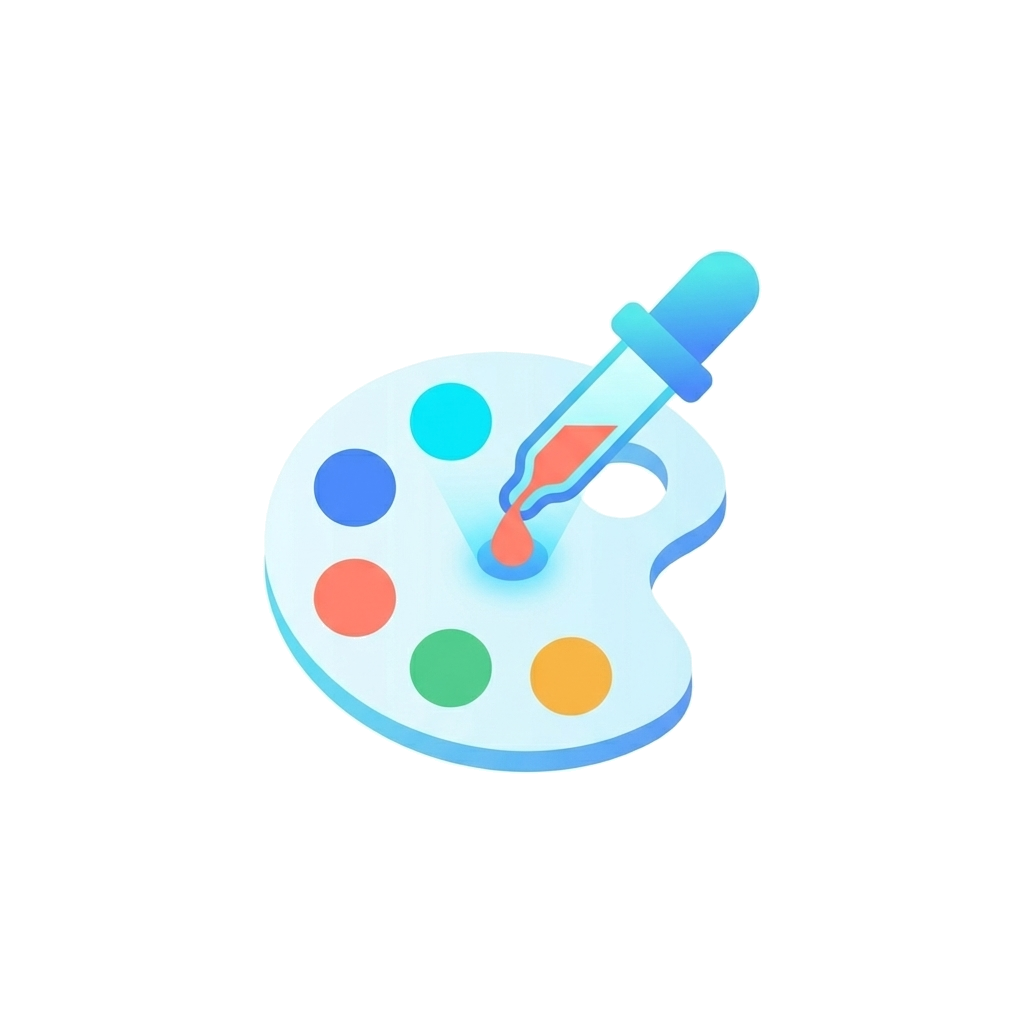
White paint palette icon with blue, cyan, red, green and yellow paint dots and a blue dropper, original PNG
Original PNG
White paint palette icon with blue, cyan, red, green and yellow paint dots and a blue dropper, traced to SVG
SVG
A 24 × 24 px detail of the original paint palette icon, enlarged: the pixels show as blocks
Original, zoomed
The same detail of the SVG paint palette icon, enlarged: the edges stay smooth
SVG, zoomed

Paint palette icon

Five paint dots, each kept in its own color, with the soft shading of the palette held in 26 gradients. The dropper tip and the drop of red paint stay separate small shapes.

Original
PNG, 1024 × 1024 px, 188 KB
SVG
103 KB
Paths
133
Solid colors
44
Gradients
26
Trace mode
General
Open the example page
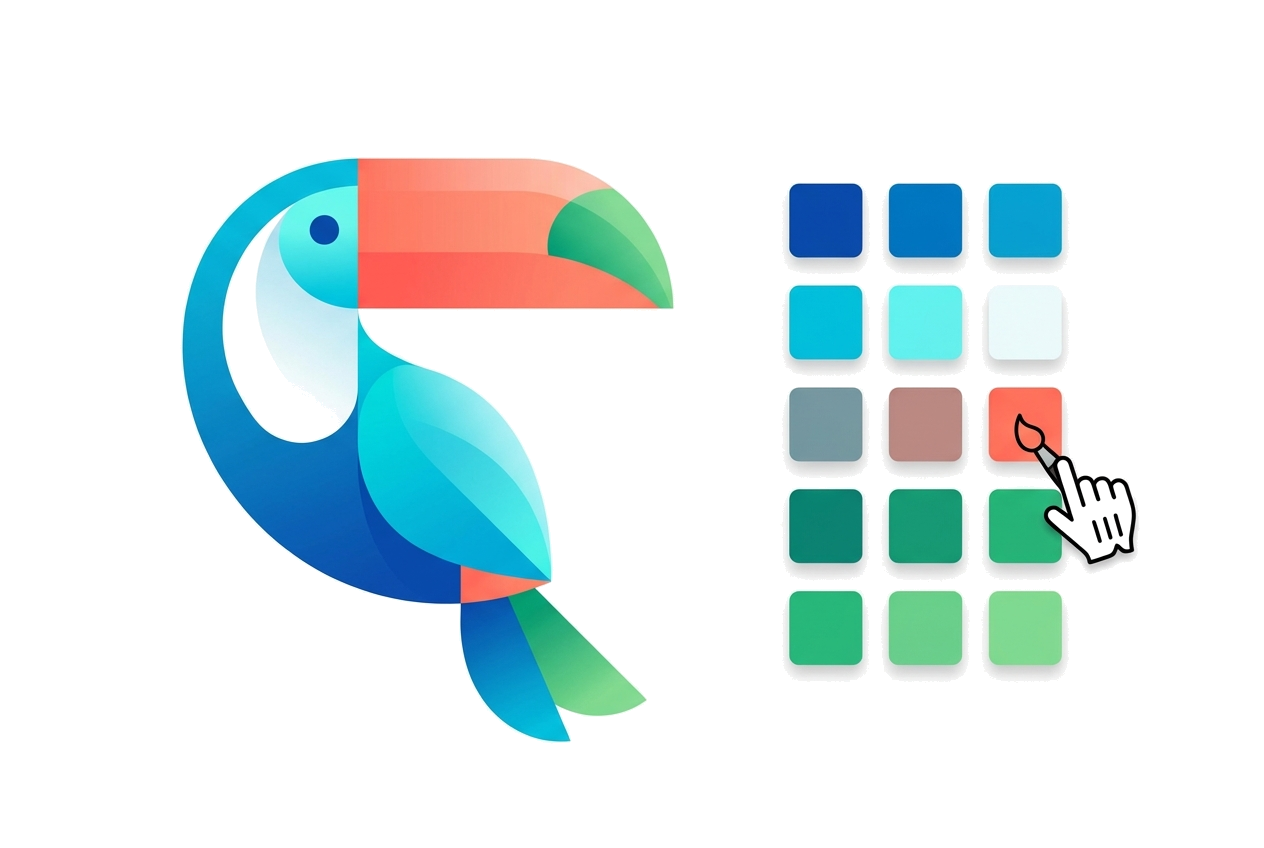
Gradient toucan illustration in blue and teal with a coral and green beak next to a grid of blue, teal, red and green color swatches, original PNG
Original PNG
Gradient toucan illustration in blue and teal with a coral and green beak next to a grid of blue, teal, red and green color swatches, traced to SVG
SVG
A 24 × 24 px detail of the original toucan with color swatches, enlarged: the pixels show as blocks
Original, zoomed
The same detail of the SVG toucan with color swatches, enlarged: the edges stay smooth
SVG, zoomed

Toucan with color swatches

Every swatch in the grid came back as a separate square shape with its own color. The whole file has 73 gradients and 285 paths, and it is close to the size of the source PNG.

Original
PNG, 1264 × 848 px, 278 KB
SVG
246 KB
Paths
285
Solid colors
83
Gradients
73
Trace mode
General
Open the example page
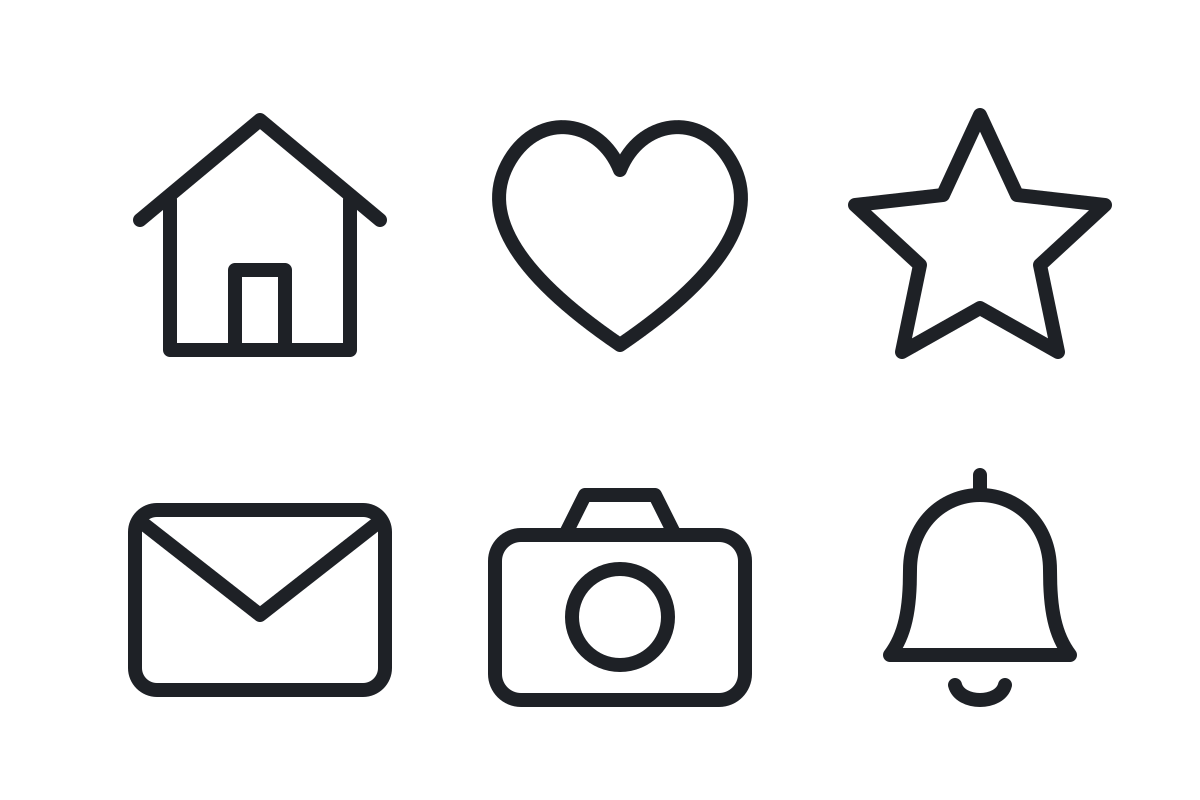
Six black outline icons on white: a house, a heart, a star, an envelope, a camera and a bell, original PNG
Original PNG
Six black outline icons on white: a house, a heart, a star, an envelope, a camera and a bell, traced to SVG
SVG
A 24 × 24 px detail of the original line icon set, enlarged: the pixels show as blocks
Original, zoomed
The same detail of the SVG line icon set, enlarged: the edges stay smooth
SVG, zoomed

Line icon set

Six outline icons in 2 colors. The strokes come back as filled outline shapes, so they look the same at every size. Inside areas, like the middle of the heart, are white shapes on top. For a cut file, delete them or use Cutting mode.

Original
PNG, 1200 × 800 px, 38 KB
SVG
10 KB
Paths
19
Solid colors
2
Gradients
0
Trace mode
General
Open the example page

What to download for each use

Once the WebP is traced, pick the download by where the file is going next:

Back on a website
Use the SVG. Run Optimize in the editor first; it shows the file size before and after, with a lossless setting and stronger lossy ones.
Cutting machine
Use the SVG, traced again in Cutting mode. See Cricut.
Laser
DXF if your laser software wants outlines only. LightBurn also opens SVG. See laser.
Printer
Send the PDF or AI file. Both keep the vector paths, and the EPS download does not.
An app that rejects WebP
Download the PNG version instead.

WebP files already online

The API takes WebP as input, the same as PNG and JPEG. Pass a public link as image_url and the server fetches the file itself, up to 20 MB, so an image on a website doesn't need downloading first. A batch request to POST /api/agent/batch takes up to 10 images, links included.

API and MCP access are part of Pro. The MCP tools take the same image_url field. The developer docs cover the API, and the MCP guide covers Claude Code, Cursor and other clients.

Questions about WebP to SVG

Do I need to convert my WebP to PNG first?
Only in one case: a WebP over about 3 MB with a transparent background, which would lose its transparency when shrunk for upload. Otherwise drop the WebP as it is.
What about AVIF files?
AVIF is accepted too and handled the same way as WebP: uploaded unchanged when it is small, and saved as JPG when it is over about 3 MB and has to be shrunk.
Can I paste a link to a WebP instead of a file?
On the site, save the file first and drop it on the converter. Through the API or the MCP tools, pass the link as image_url.

Convert your WebP

Choose a WebP file, or drag one straight from your downloads folder onto the converter at the top of the page.

See all examples