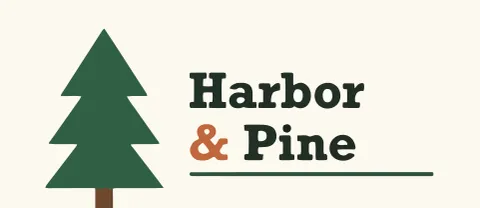
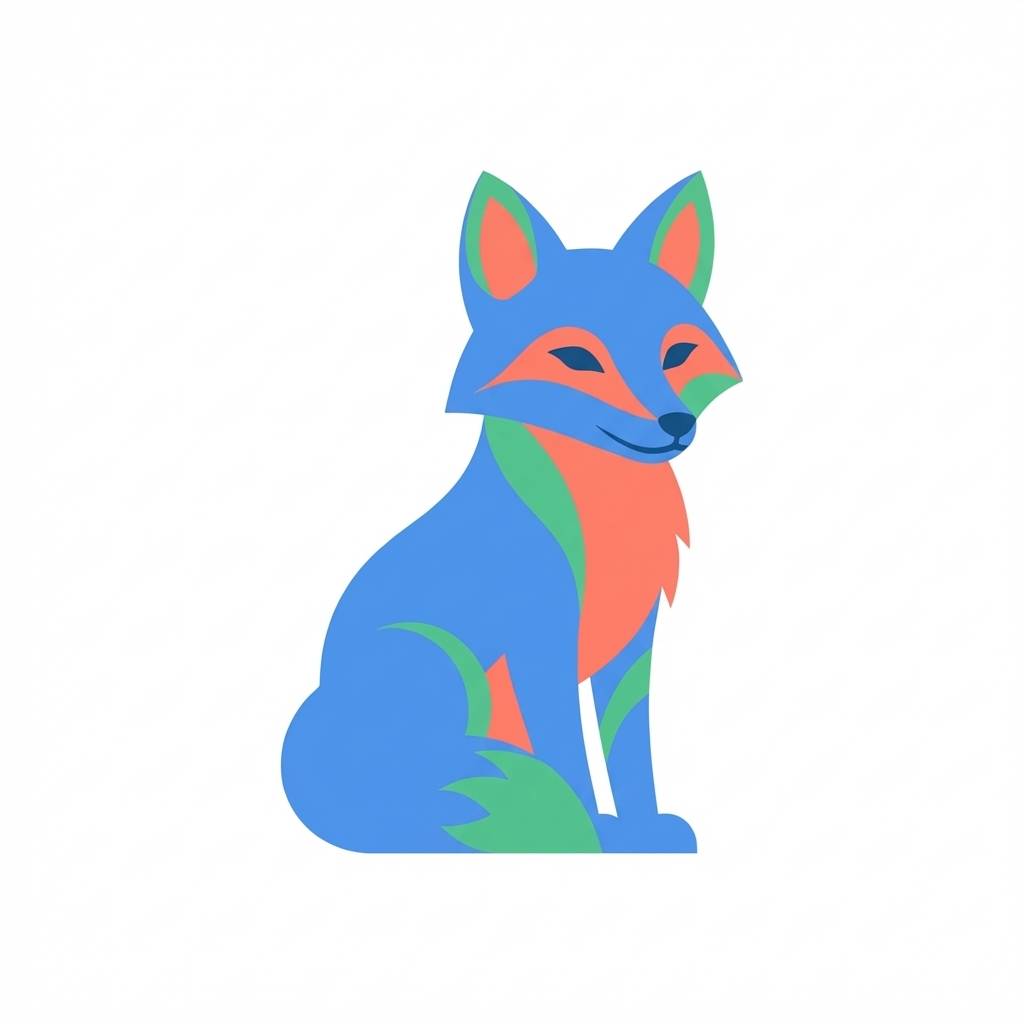
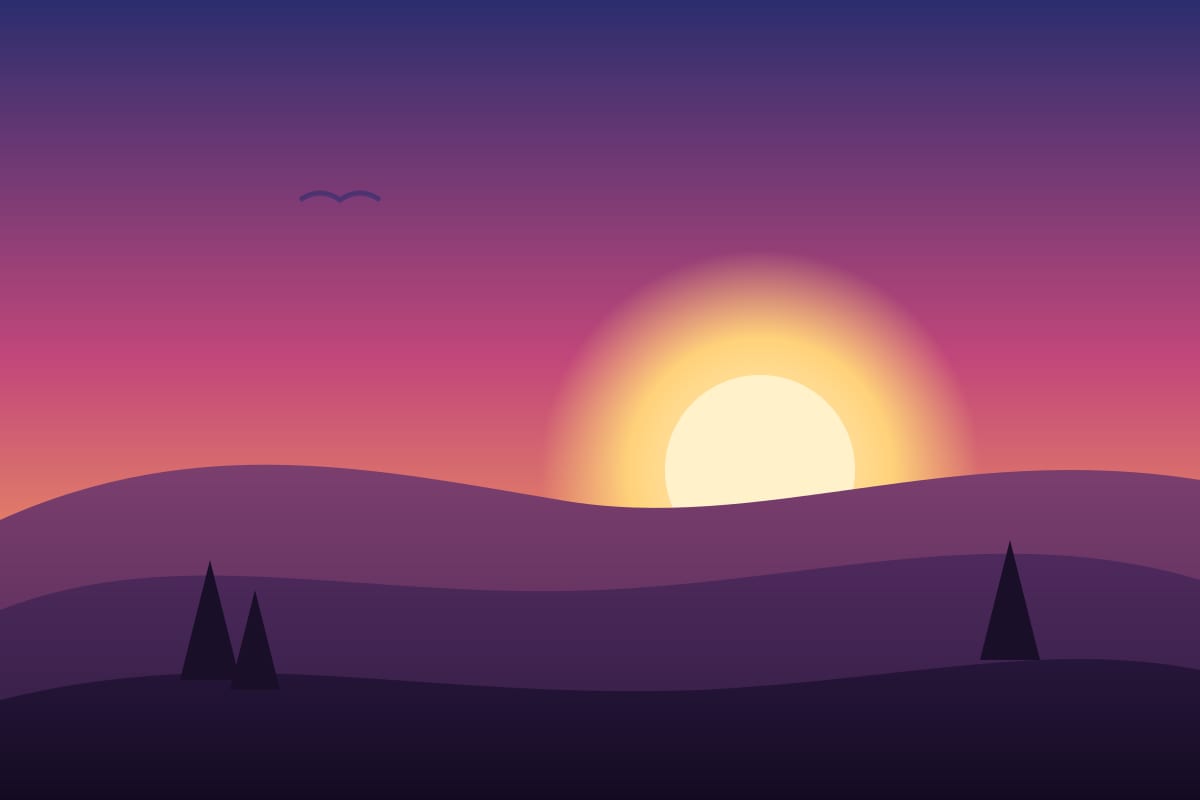
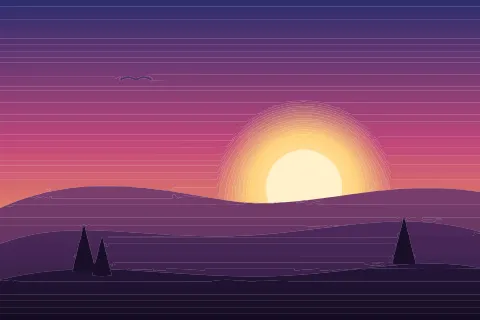
JPG saves space by throwing detail away, and the compression can leave faint in-between shades along edges. The converter traces those shades along with everything else. In the gallery, a wordmark drawn in 5 colors came back with 21 solid colors, and a fox drawn in a handful of flat colors came back with 79. Most of the extras are near-copies of the real colors, so the SVG looks right but carries more colors and paths than the artwork needs.
Reduce colors in the editor can merge them. It maps the solid colors to a smaller palette and leaves gradients alone. Slide it down, compare the result with your original, and stop when the colors look right. The slider goes as low as two colors.
For a batch of JPGs
The API has an endpoint for the same job. POST /api/agent/edit/simplify takes an SVG and a max_colors value from 1 to 256, and returns the SVG with at most that many colors. It costs no credits. Vectorize the batch first, then pass each SVG through it. See the developer docs.