Convert images to SVG with AI
Vectorize any bitmap into crisp, editable paths — right in your browser.
Drop your image here
Convert a raster image into a crisp, scalable, editable vector graphic.
PNG, JPG, WebP, AVIF, GIF or BMP, up to 20 MB
See what the AI preserves — and what it throws away.
From raster to vector in seconds.
Step 1
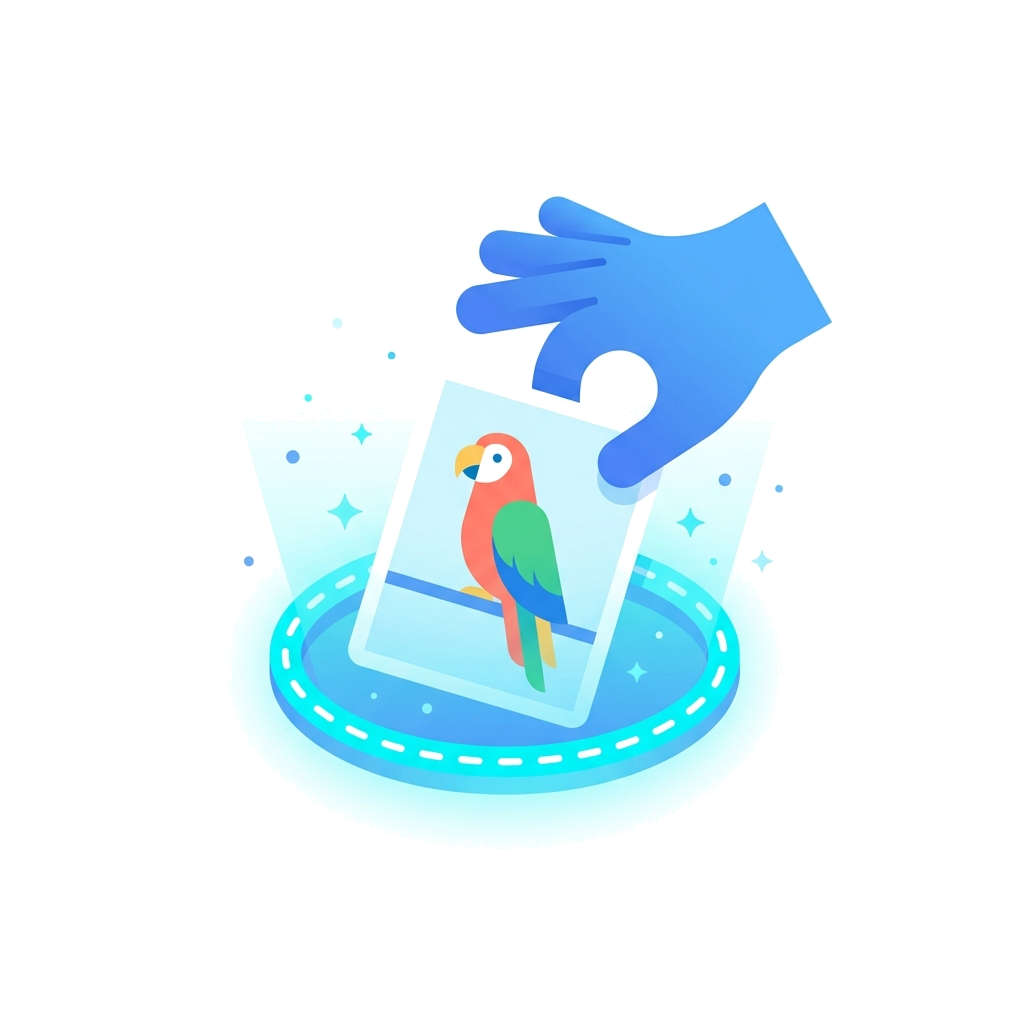
Upload
Drop in a PNG, JPG, WebP, AVIF, GIF or BMP. This is your image going in.
Step 2
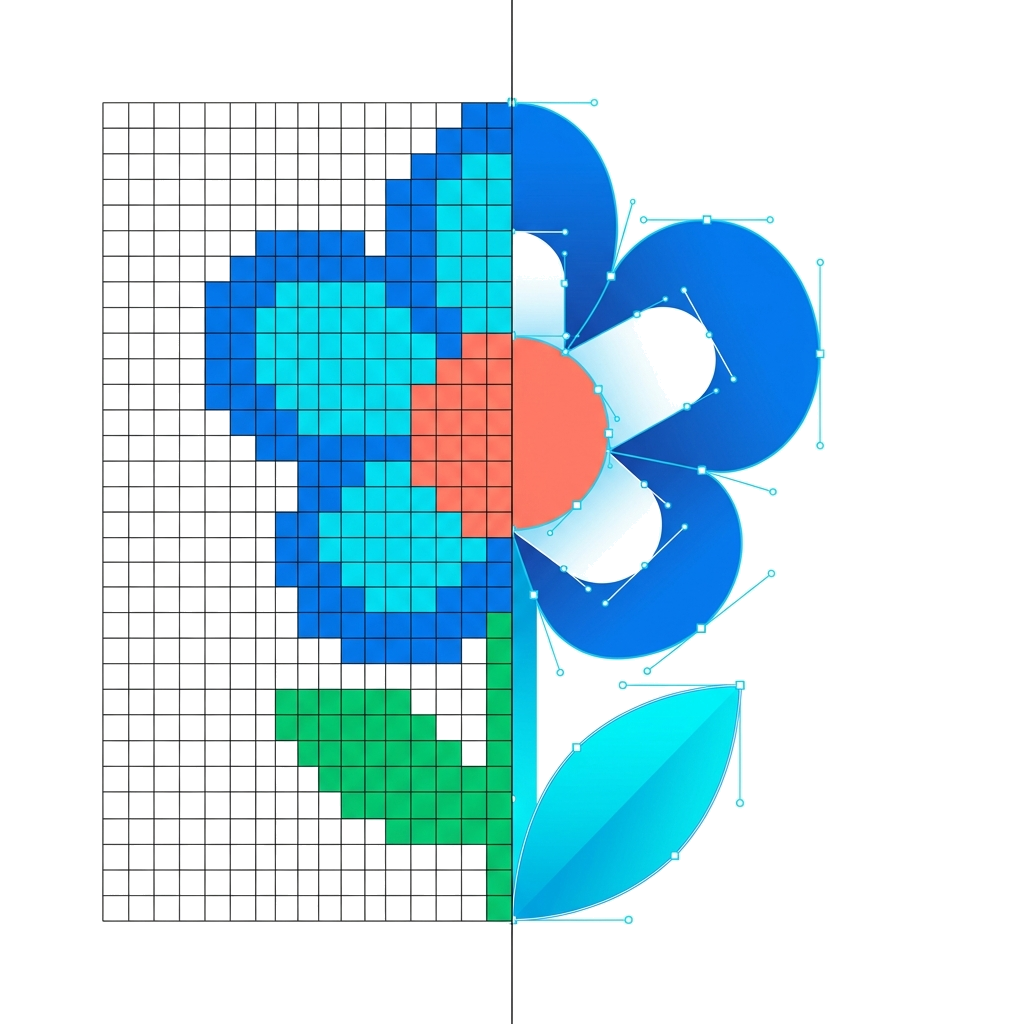
Vectorize
Your image is redrawn as clean shapes: outlines, colors, curves, then a tidy up.
Step 3
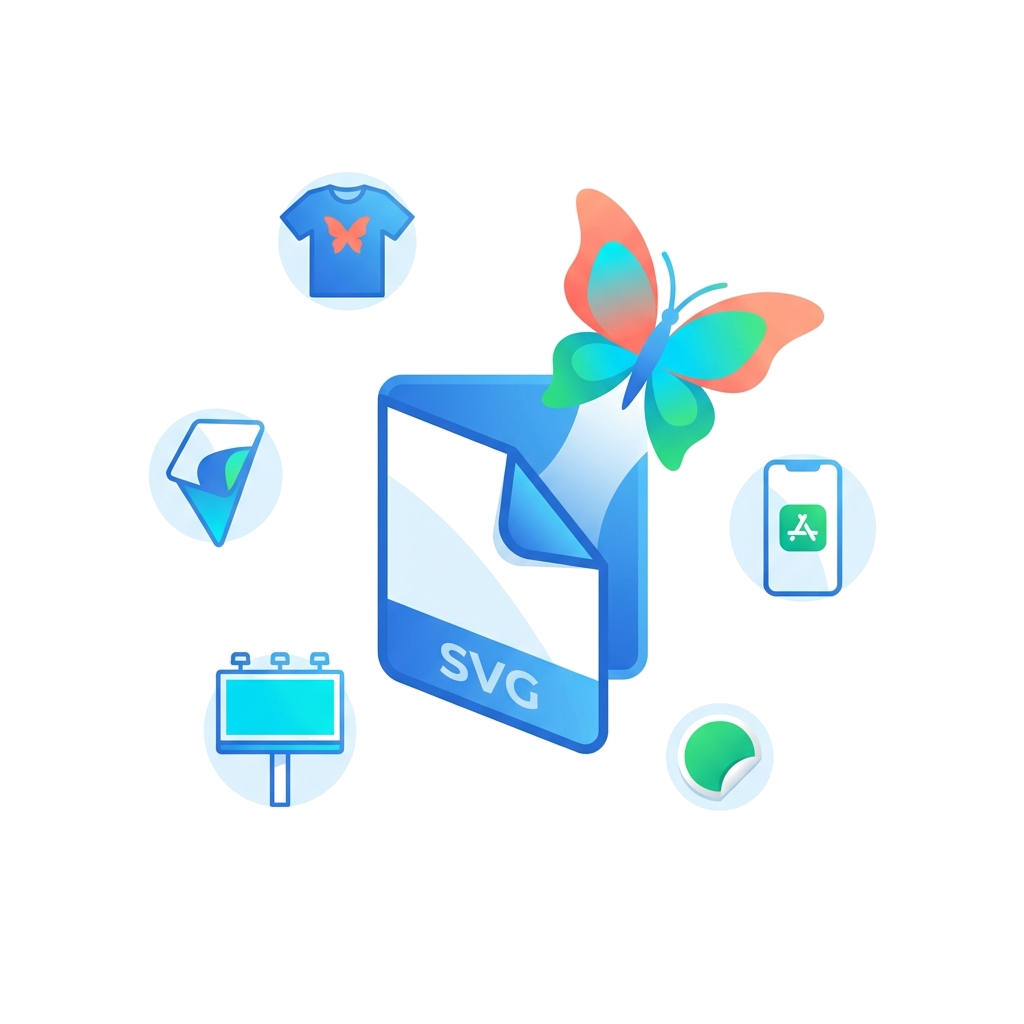
Export
Out comes the finished SVG. Recolor or erase parts if you like, then download it.
How it works
Every image goes through the same four moves on its way from pixels to clean shapes.
Built for logos, icons and illustrations.
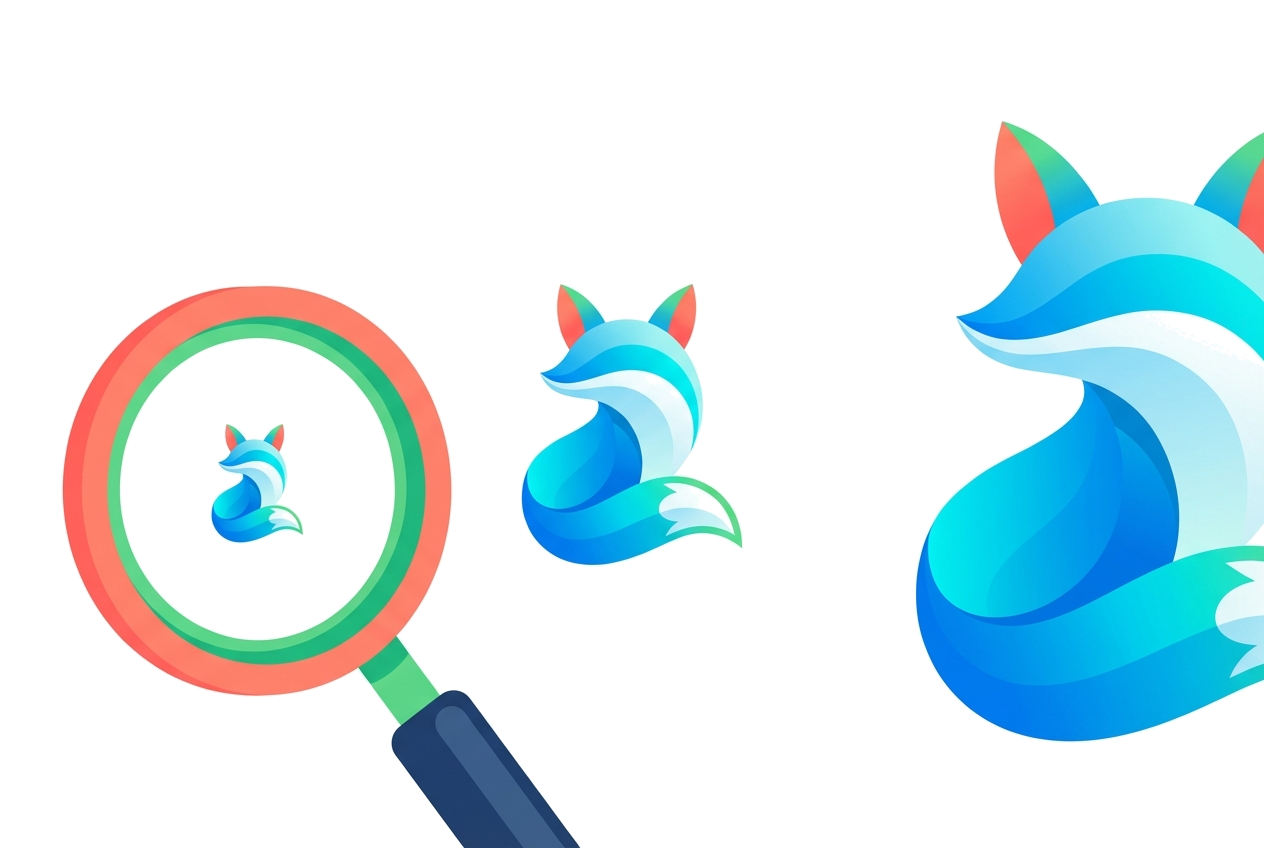
One file for every size
Resize it for any layout without exporting a separate image for each size.
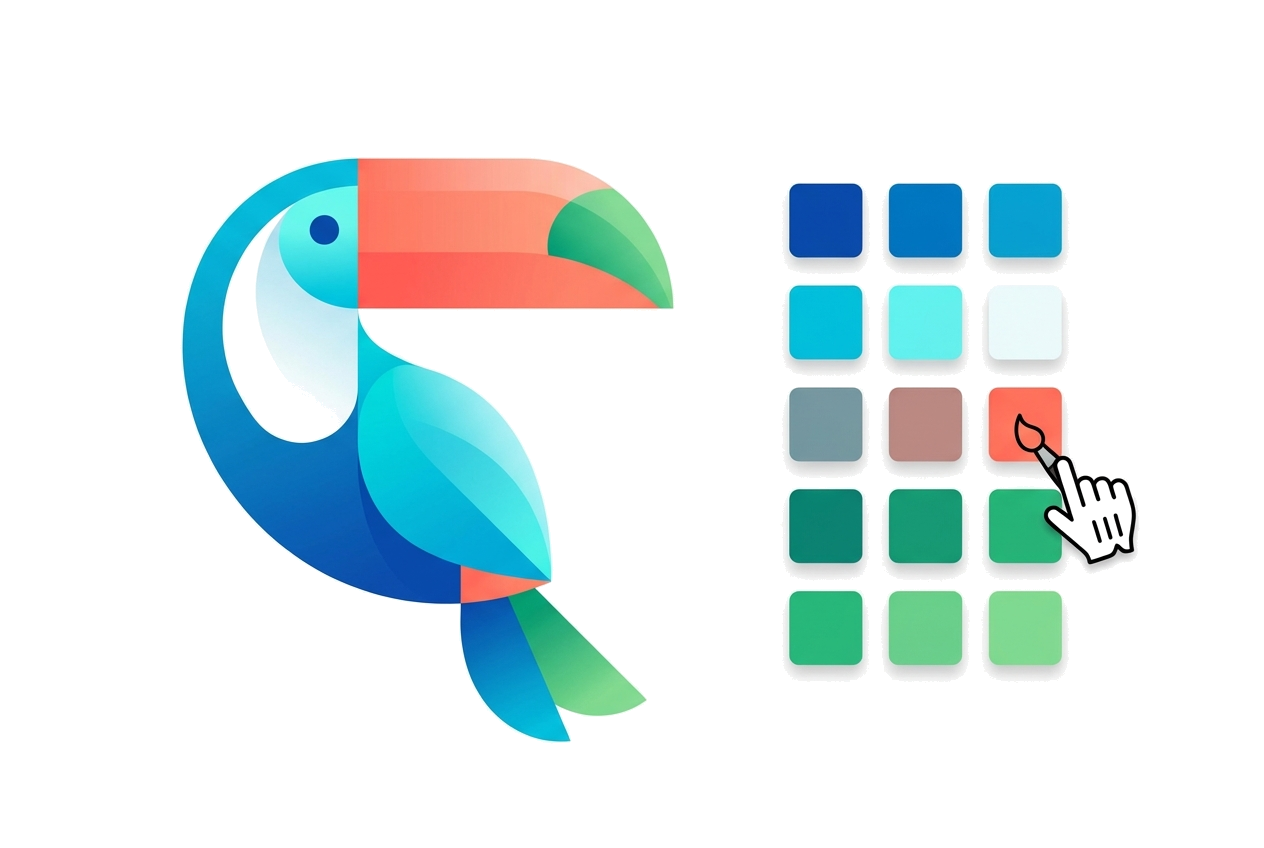
Colors and gradients
Flat fills stay flat, and shading can be traced as SVG gradients. Reduce colors merges the near-duplicate shades that JPG compression leaves.
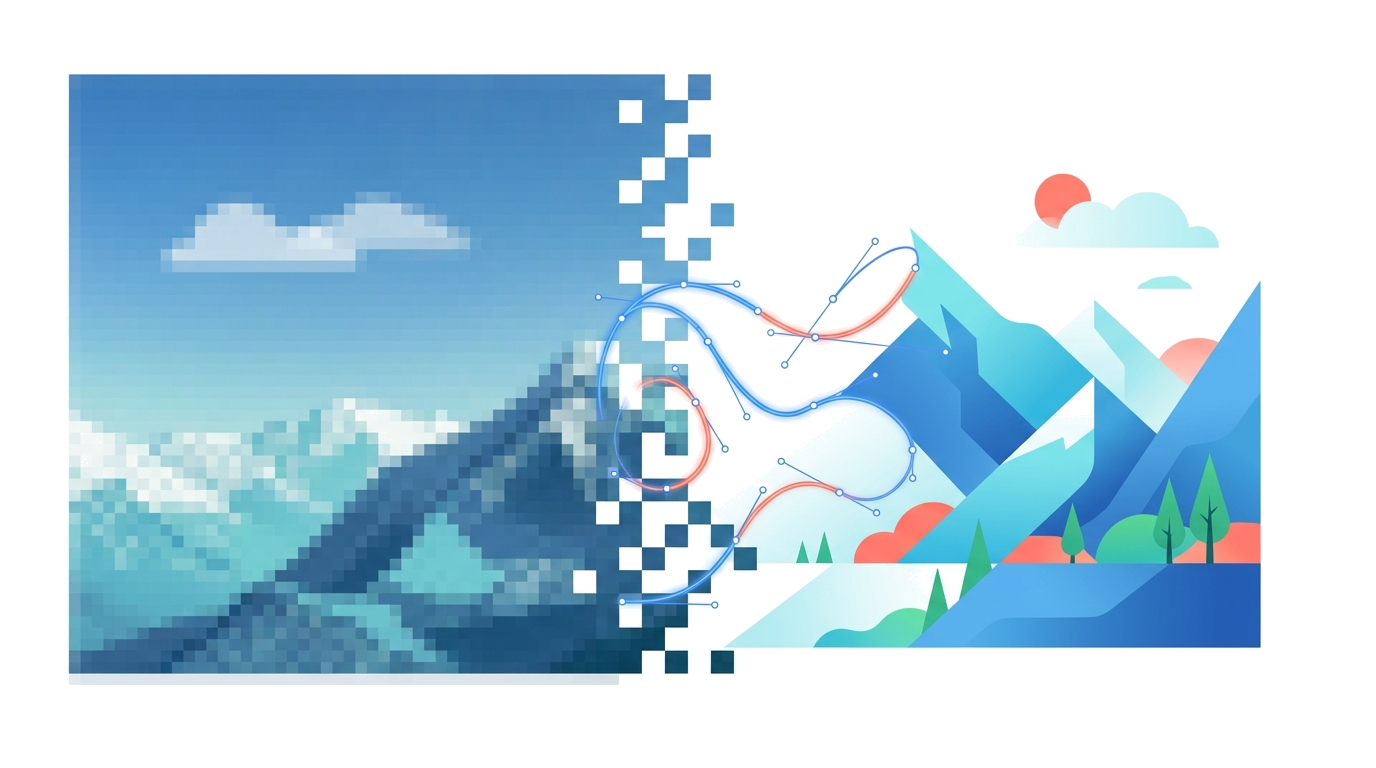
Shapes you can edit
Edges are Bézier curves. Recolor or erase shapes in the editor before you download.
Printing or cutting? The editor has modes for Cricut, laser engraving and screen printing, and exports DXF, EPS and PDF.
Wire SVG.new into any AI workflow.
Give Claude Code, Codex or any MCP client the ability to turn images into clean SVGs.
Vectorize your first image.
No signup for the first one.
Your first conversion needs no account. After that, a free account gets 3 a day — Pro gets 1,000 a month.