n8n community node
Vectorize images in your n8n workflows
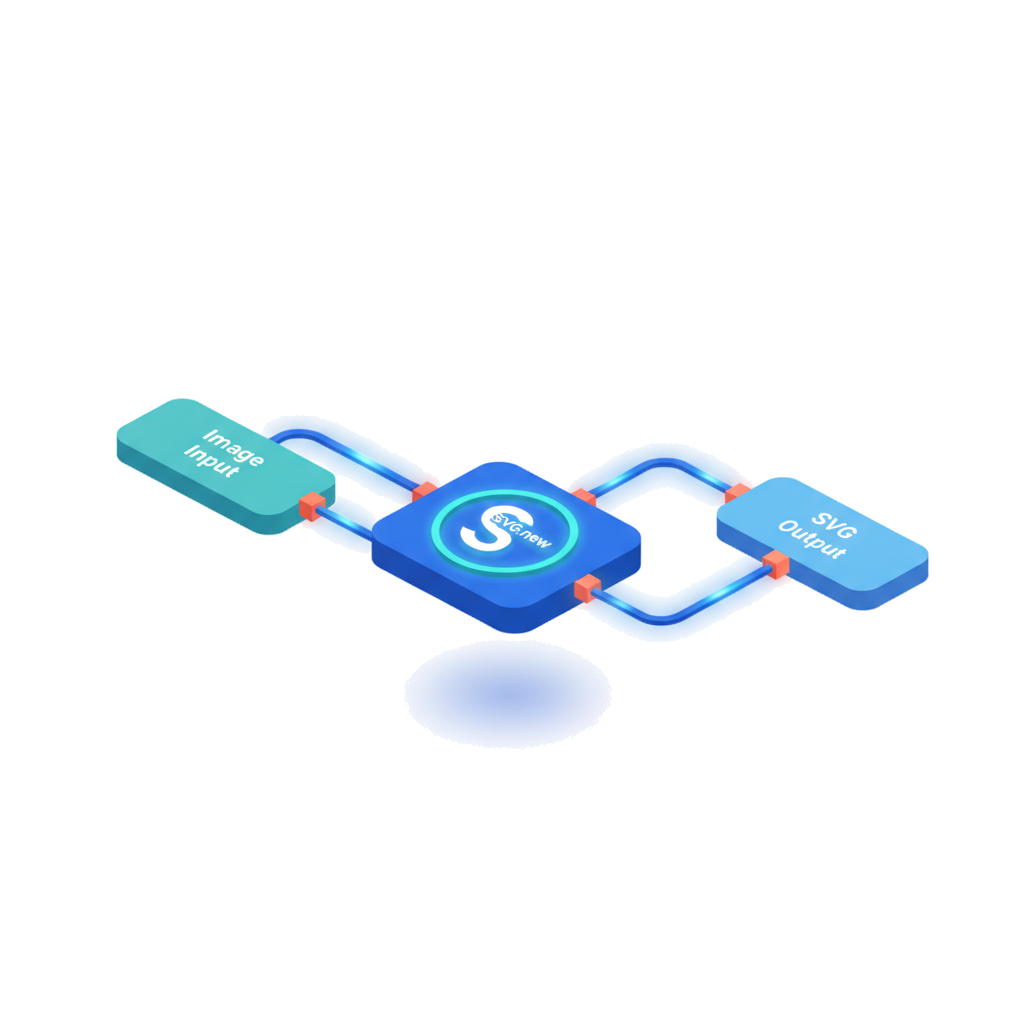
Install the SVG.new community node and convert raster images to clean SVG vectors directly inside your n8n automations. No external scripts needed.
Get started
Install in two minutes
1. Install the community node
Open your n8n instance and navigate to Settings > Community Nodes. Search for n8n-nodes-svgnew and click Install.
API key configured
Ready to vectorize
2. Add your API credentials
Create an SVG.new API credential in n8n. Grab your API key from svg.new/account and paste it in. All conversions are authenticated and metered against your plan.
3. Drag, connect, vectorize
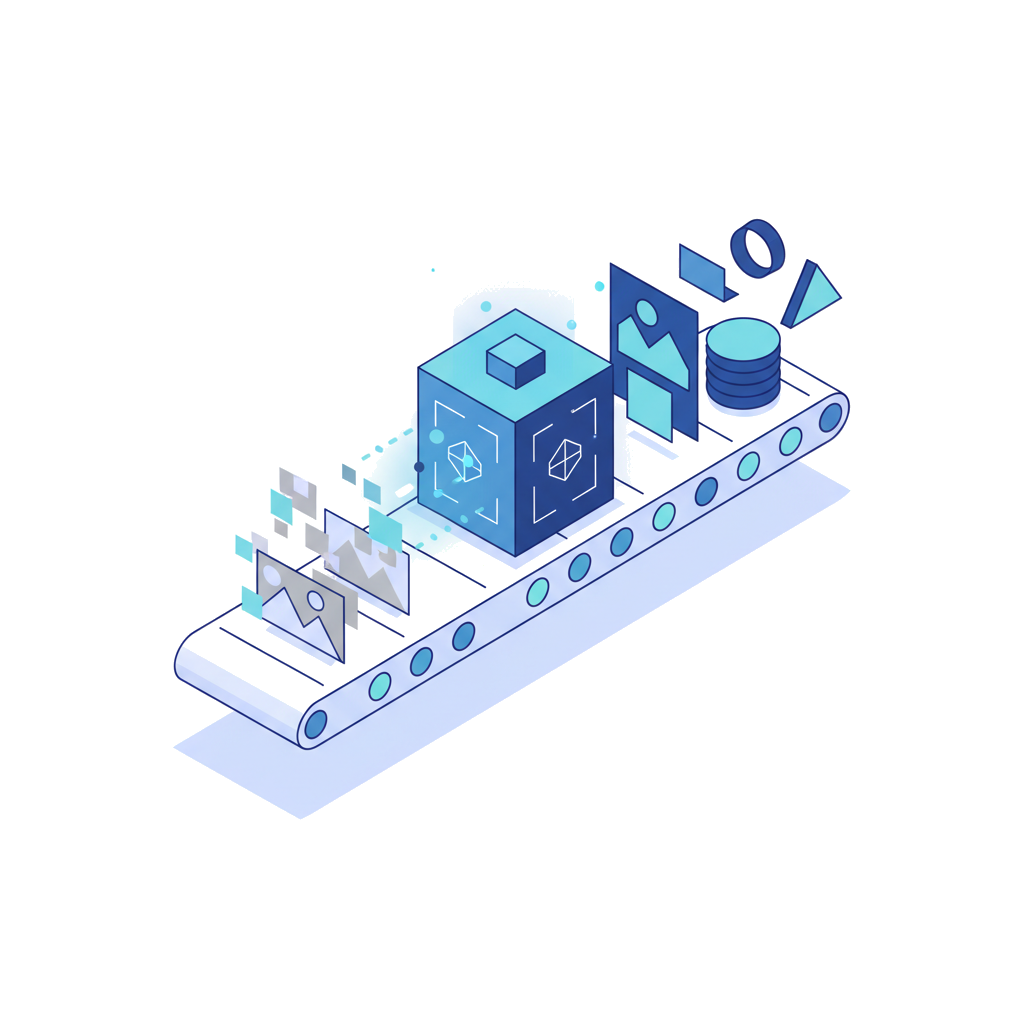
Add the SVG.new node to any workflow. It accepts binary image data from upstream nodes and outputs the vectorized SVG as both a JSON string and binary file data.
Example workflows
Build it in minutes
Auto-vectorize downloads
Fetch an image from any URL, vectorize it, and save the SVG to disk or cloud storage.
Customer upload webhook
Receive an image upload via webhook, convert it to SVG, and email the vector file back to the customer.
Batch folder processing
Run on a schedule, read images from a folder, vectorize each one, and move the originals to an archive.
Node features
Built for automation
The SVG.new node accepts binary data or base64-encoded strings and outputs the vectorized SVG in both JSON and binary formats. It works as a standalone node or as a tool inside the n8n AI Agent node, letting your agents vectorize images as part of their reasoning.
FAQ
Common questions
How do I install the SVG.new community node?
Open your n8n instance, go to Settings > Community Nodes, search for n8n-nodes-svgnew, and click Install. The node will be available in your workflow editor immediately.
What image inputs does the node accept?
The SVG.new node accepts binary image data (PNG, JPG, WebP) passed from other nodes, or you can provide a base64-encoded image string directly. Both approaches produce identical results.
Can AI agents in n8n use the SVG.new node?
Yes. The SVG.new node is compatible with the n8n AI Agent node. You can add it as a tool so your agent can vectorize images as part of its reasoning and task execution.
What does the SVG.new API cost?
SVG.new offers a free tier with 3 conversions per day. The Pro plan at $9.99/month includes up to 1,000 conversions and full API access. Visit svg.new/pricing for details.
Automate your image-to-SVG pipeline
Install the community node, add your API key, and start vectorizing images in your n8n workflows today.