Comparison
SVG.new vs Inkscape Trace
Inkscape is a powerful free editor, but its Trace Bitmap feature requires downloading software, tweaking settings, and manual cleanup. SVG.new gives you one-click AI vectorization in the browser.
Feature comparison
Side-by-side comparison
| Feature | SVG.new | Inkscape Trace |
|---|---|---|
| No software install | ||
| AI-powered tracing | ||
| One-click conversion | ||
| Full-color vectorization | ||
| REST API | ||
| MCP server for AI agents | ||
| Multi-format export | ||
| Free to use | ||
| Full vector editor | ||
| Open source |
Key differences
From minutes of tweaking to one click

No threshold sliders, no manual cleanup
Inkscape Trace Bitmap requires you to tweak brightness thresholds, number of passes, and smoothing settings — then manually clean up the result. SVG.new uses AI to get it right the first time with a single upload.
True full-color vectorization
Inkscape's Trace Bitmap works best on simple black-and-white images. Multi-color tracing often produces layered, overlapping blobs. SVG.new's AI understands the image semantically and produces clean, distinct color regions.
No download, works anywhere
Inkscape is a 100+ MB download that runs only on desktop. SVG.new works in any browser on any device. Convert an image from your phone, Chromebook, or any computer without installing anything.
API for batch and automation
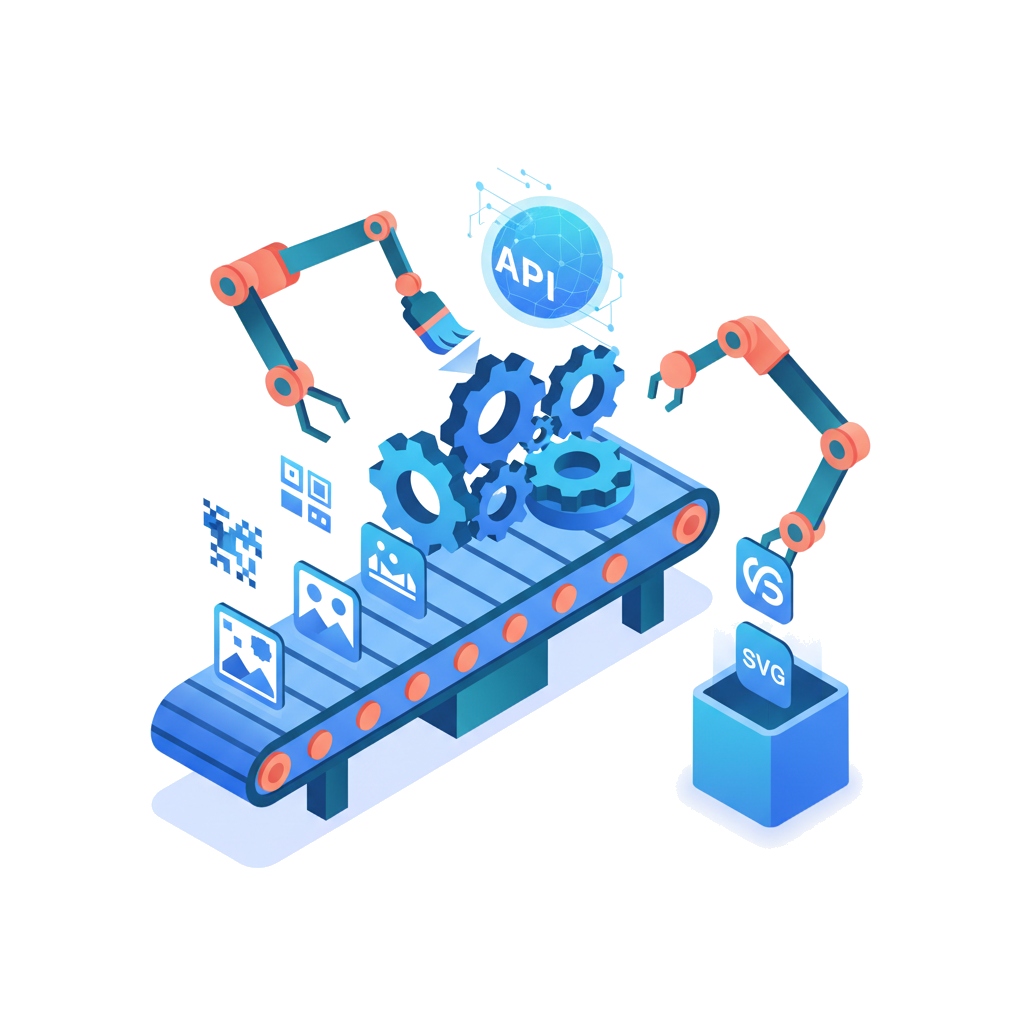
Need to convert hundreds of images? Inkscape's command-line tracing is slow and requires scripting. SVG.new's REST API and MCP server let you automate conversions at scale — or let AI agents handle it for you.
Better together
Use both for the best workflow
SVG.new and Inkscape complement each other. Use SVG.new for fast, AI-powered image-to-SVG conversion, then open the result in Inkscape for detailed manual editing. The SVGs are fully compatible.
FAQ
Common questions
Is SVG.new better than Inkscape Trace Bitmap?
For image-to-SVG conversion, yes. Inkscape Trace Bitmap uses threshold-based algorithms that struggle with complex, full-color images. SVG.new uses AI to produce clean paths with smooth curves and accurate color representation.
Is SVG.new free like Inkscape?
SVG.new offers a free tier with 3 conversions per day. For higher volume, Pro plans start at $9.99/month. Inkscape is fully free and open source, but requires a download and manual configuration.
Can I still use Inkscape to edit SVGs from SVG.new?
Absolutely. SVG.new produces standard SVG files that open perfectly in Inkscape, Illustrator, Figma, or any other vector editor. Use SVG.new for the conversion and Inkscape for detailed editing.
Does SVG.new work on Linux?
Yes. SVG.new is a web app that runs in any modern browser, including on Linux, Chrome OS, Windows, macOS, and mobile devices.
Skip the manual tracing
3 free conversions per day. Upload an image and get a clean SVG in seconds — no sliders, no cleanup.