Coffee shop badge logo: PNG to SVG example
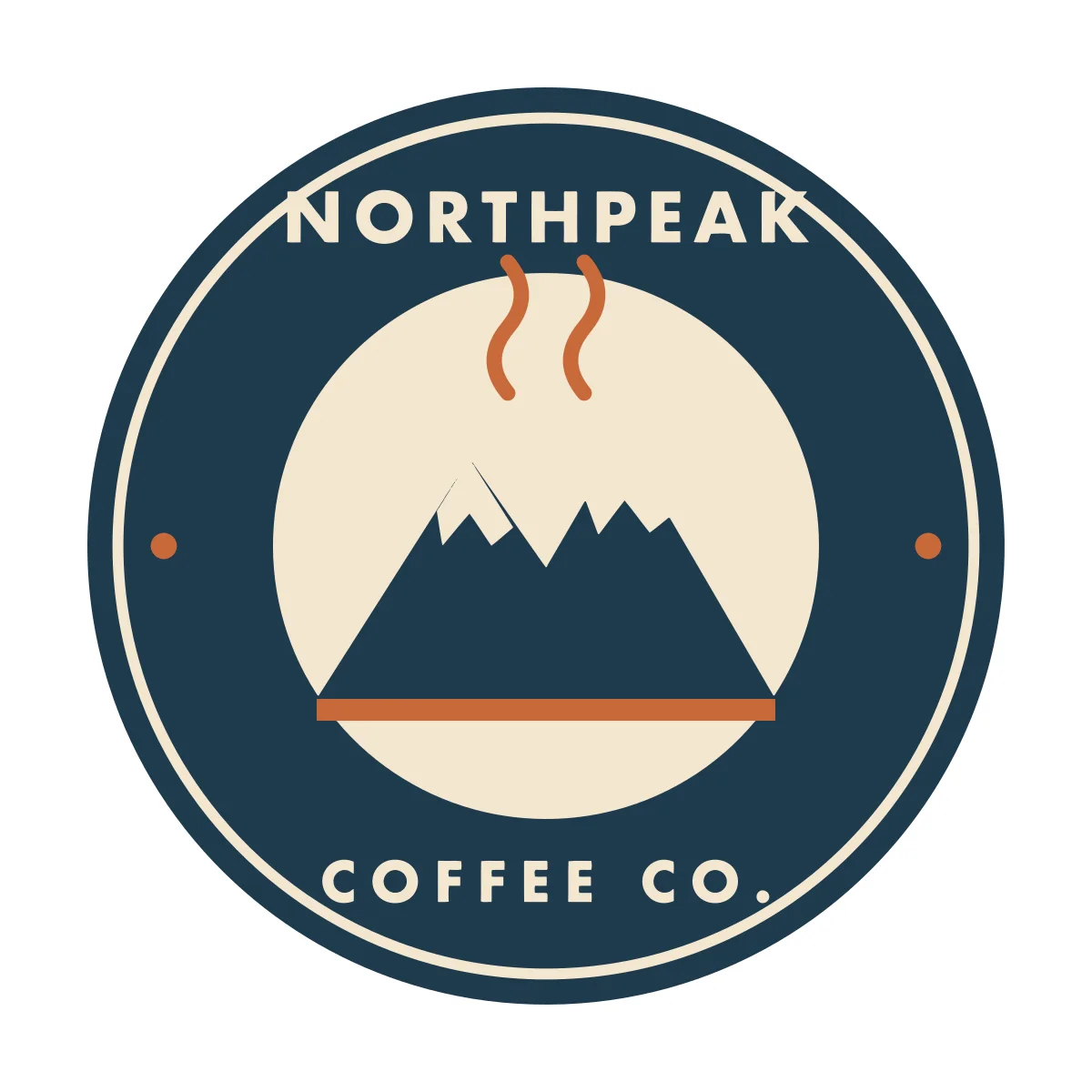
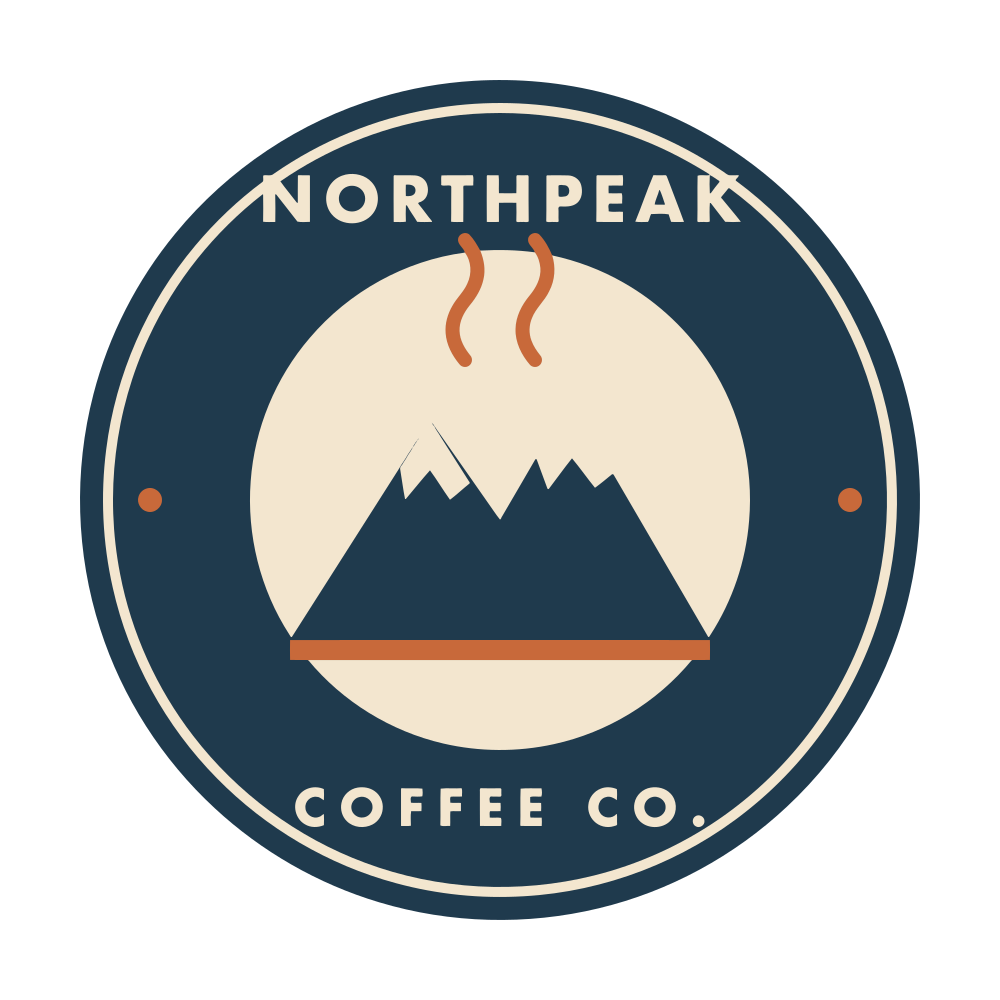
A round coffee shop badge with a mountain, steam lines and two lines of text, in four flat colors. A typical logo that only exists as a PNG.
- Scales to any size
- One file from a favicon to a poster
- Editable shapes
- 37
- Colors you can swap
- 4
- File size
- 17 KB SVG
The original PNG is 69 KB. To print it 4000 px wide as a PNG you would need a 1.82 MB file (108x the SVG), and it would still be an enlarged copy of the same pixels. The SVG stays this size at every size.
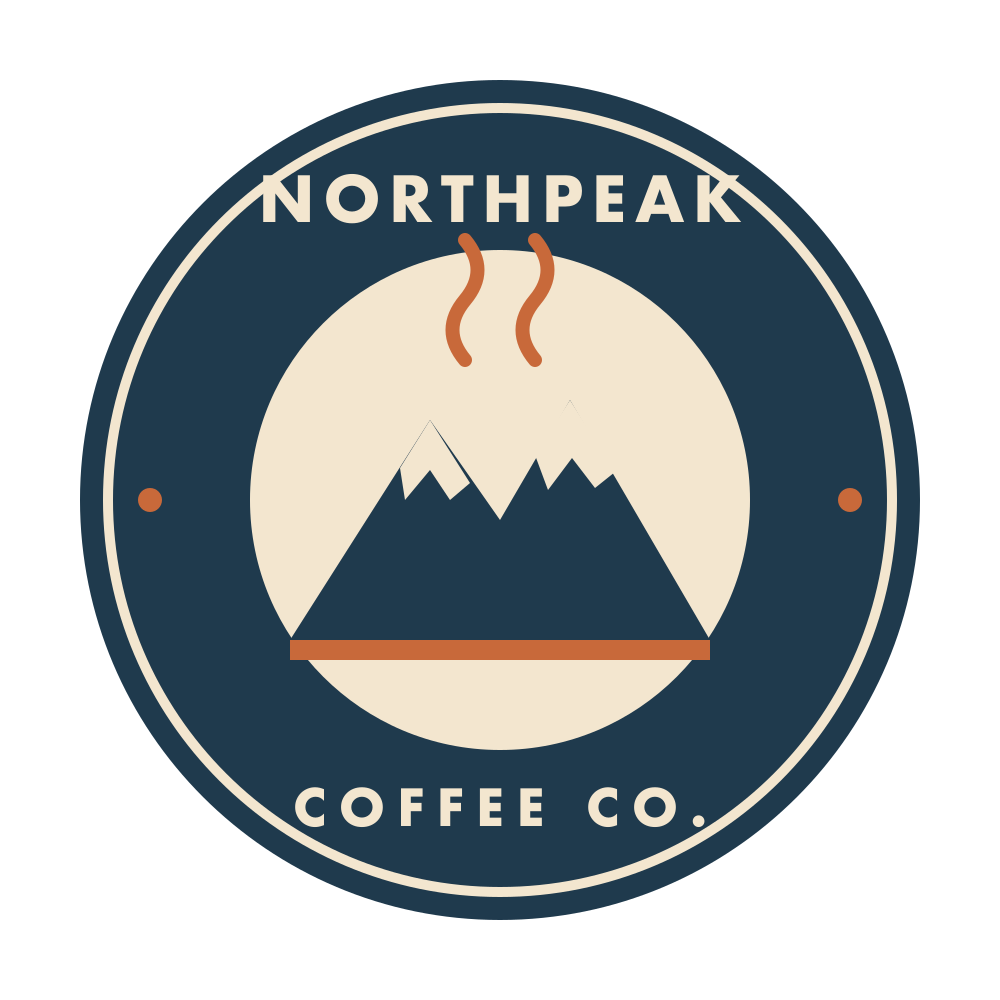
Each of the 4 colors in the file is a value you can change, so the whole image recolors instantly. A PNG can only be recolored by repainting it.
Same file, any size
The SVG is drawn fresh at every size. The PNG can only be stretched or squeezed, shown here without smoothing so you see its real pixels.
Favicon, 16 px
Card, 200 px
Poster, 4000 px wide
A window of the print at full size, around the same detail.
The numbers
| Input | PNG, 1000 × 1000 px, transparent |
|---|---|
| Original file | 69 KB |
| SVG file | 17 KB (25% of the original) |
| Paths | 37 |
| Anchor points | 431 |
| Solid colors | 4 |
| Gradients | 0 |
| Vectorizer mode | Default |
| Processing time | 2.5 s |
| PNG at 4000 px wide | 1.82 MB |
Processing time is the full request measured from the browser side, upload included. The SVG is published exactly as the vectorizer returned it.
What the vectorizer did
- Came back with 4 solid colors, the same four the badge was drawn with. No stray in-between tints from anti-aliasing.
- The lettering is traced as filled letter shapes, so the SVG needs no fonts installed to display correctly.
- The SVG is about a quarter of the PNG file size and scales to any size without blurring.
Working on something similar? Read more on the PNG to SVG converter page.